📸 v1.9.5: A Receipt on Every Transaction, Payees Now Optional
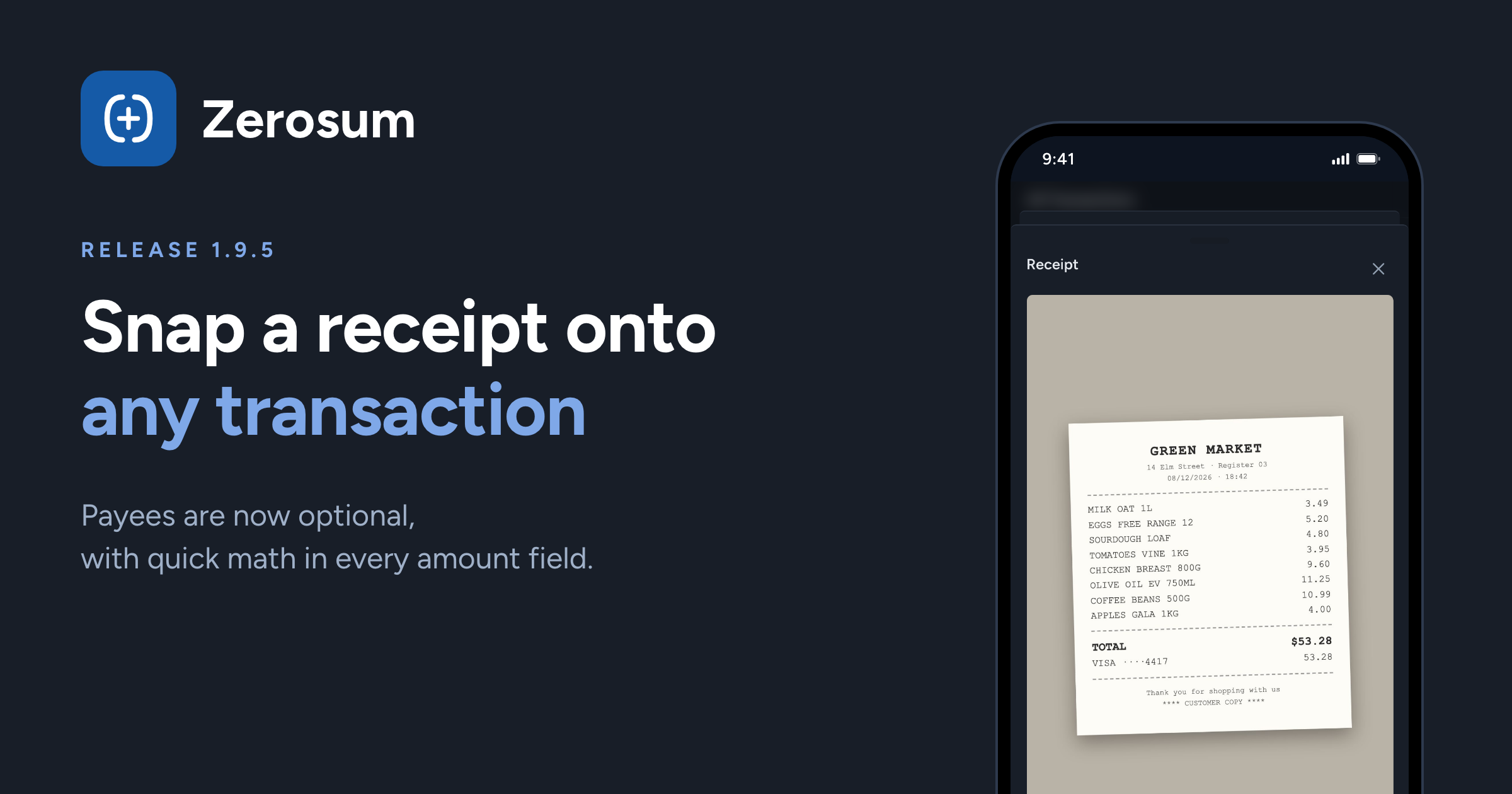
The headline this release: attach a receipt photo to any transaction. Snap it with your phone or drop in a file on desktop, and it stays with the transaction — ready for tax season, warranty claims, or splitting the bill later. Alongside it, payees stop being mandatory and every amount field learns to do math.
📸 Receipts, right on the transaction
New: snap or attach a photo. Every transaction has a camera button in the register — click it, pick or take a photo, and it saves on the spot, no editor needed. Rows with a receipt show a small thumbnail: hover for a bigger preview, click to view it full size, replace it, or remove it.
New: on your phone too. Tap a transaction and choose Add receipt for the native camera or photo library — or manage the photo from the transaction editor's Receipt row.
Private by design. Photos are compressed on your device and location data (GPS) is stripped before upload. Only members of your budget can see them, through links that expire on their own.
Not your thing? Hide the whole column with the Receipts toggle in view options, right next to Tags.
👤 Payees are now optional
Just leave it empty. A transaction no longer needs a payee — skip the field and it saves, showing "No payee" in the register. Clearing a payee you set by mistake finally works too.
Reviews unblocked. Imported transactions approve without a payee now; the only thing that still holds one back is a missing category. The "needs a payee" banner is gone.
🧮 Type math anywhere
Every amount field calculates.
+ − × ÷with live results now works in goal targets, account balances, reconcile amounts, loan dialogs — everywhere, not just transactions.Minus flips the direction. Type
-100in an outflow field (or math that lands negative, like50-70) and the amount moves to inflow. Works the other way too.A typed
/stays a/— easier to tell from a minus in small fields, and it still divides.Picking Ready to Assign defaults to inflow on a fresh transaction, since that's almost always what you mean. One keystroke flips it back.
📱 Mobile
Dialogs make room for the keyboard. Linking a bank account (and other input dialogs) now rises above the keyboard as a bottom sheet instead of hiding behind it.
Budget table columns align to your data. Budgeted and Available size to the month's widest amount — typical months give the space back to category names, and one huge number no longer knocks a row out of line.
Hide the Budgeted column from View options for a monitoring-first table where Available is the only number.
📊 Analytics
Spending Trends tooltips show the month's total above the category breakdown — no more mental addition.
Drill-down headers tell the whole story: a month with a big refund now reads "22 transactions · €450.00 — includes €2,462.25 credits / refunds" instead of a confusing negative.
Un-budgeting a month is no longer painted red in the Budgeting Trend — moving money back to Ready to Budget is routine, and now it looks that way.
🧾 Also in this release
Open-ended savings goals show blue until they're done — a pot at 5% no longer wears the same green as one that made it.
Fixed: Plan Ahead's "prepared" percentage counted fully-funded goals against you. Funding everything now reads 100%, not less.
Fixed: the reconciled-edit warning only appears when an edit can actually move money — adding a note to reconciled history no longer asks twice.
Fixed: filter presets with "Untagged" save properly instead of erroring.
Thank you for being here. ❤️